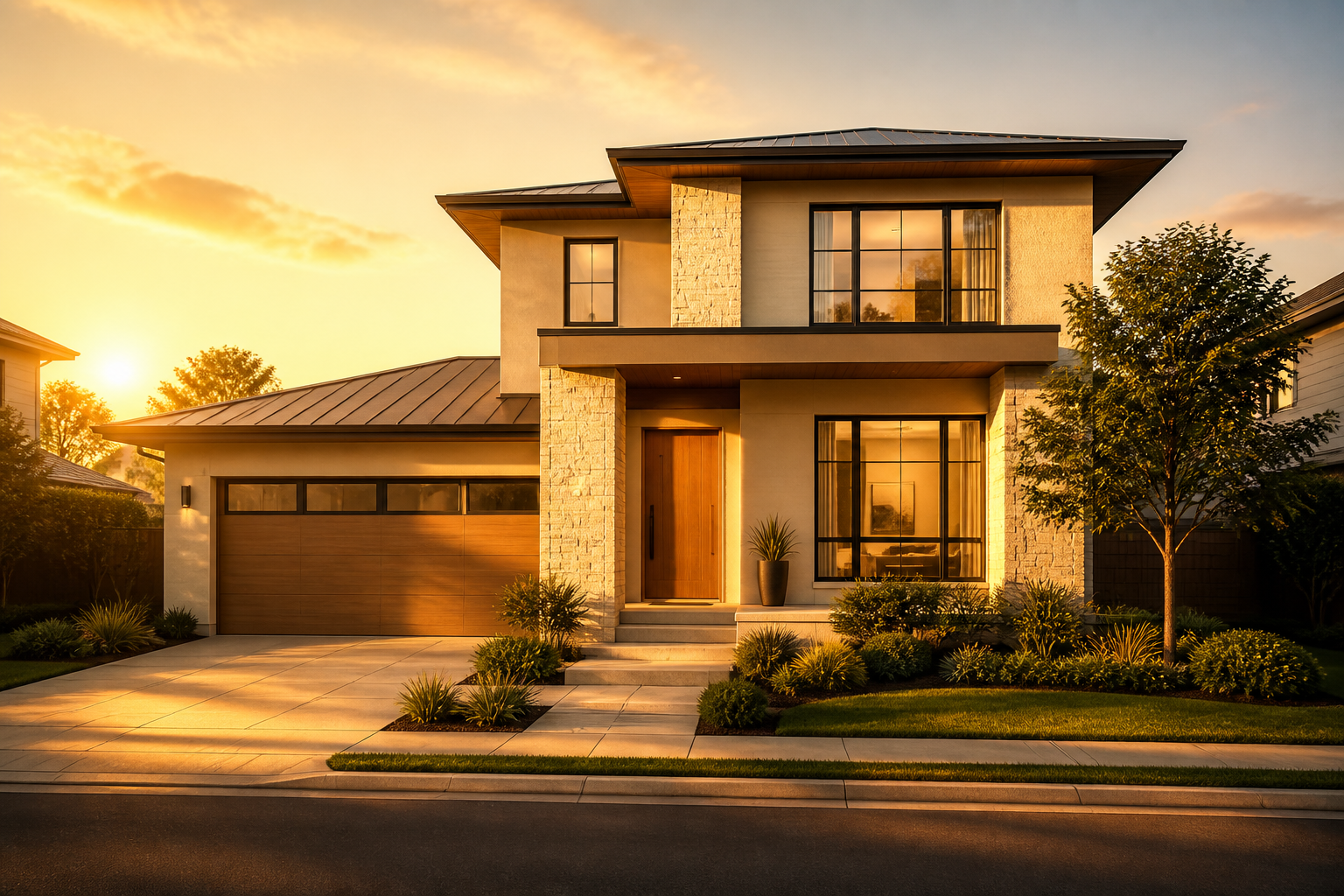
360° facade direction
Mark exact orientation so PropLight RE Photo Planner knows when direct sun, soft side light, or shade covers each elevation.
Built for real estate photographers
Stop guessing when sunlight hits the facade, backyard, pool, or interior windows. PropLight RE Photo Planner turns solar geometry, Apple Weather, and real drive times into one practical shoot-day schedule you can trust.
On-device solar math · Apple Maps & Weather · No ad tracking
Preview light windows, compare shoot quality, optimize routes, and export a finished call sheet—all from one PropLight: RE Photo Planner workflow.
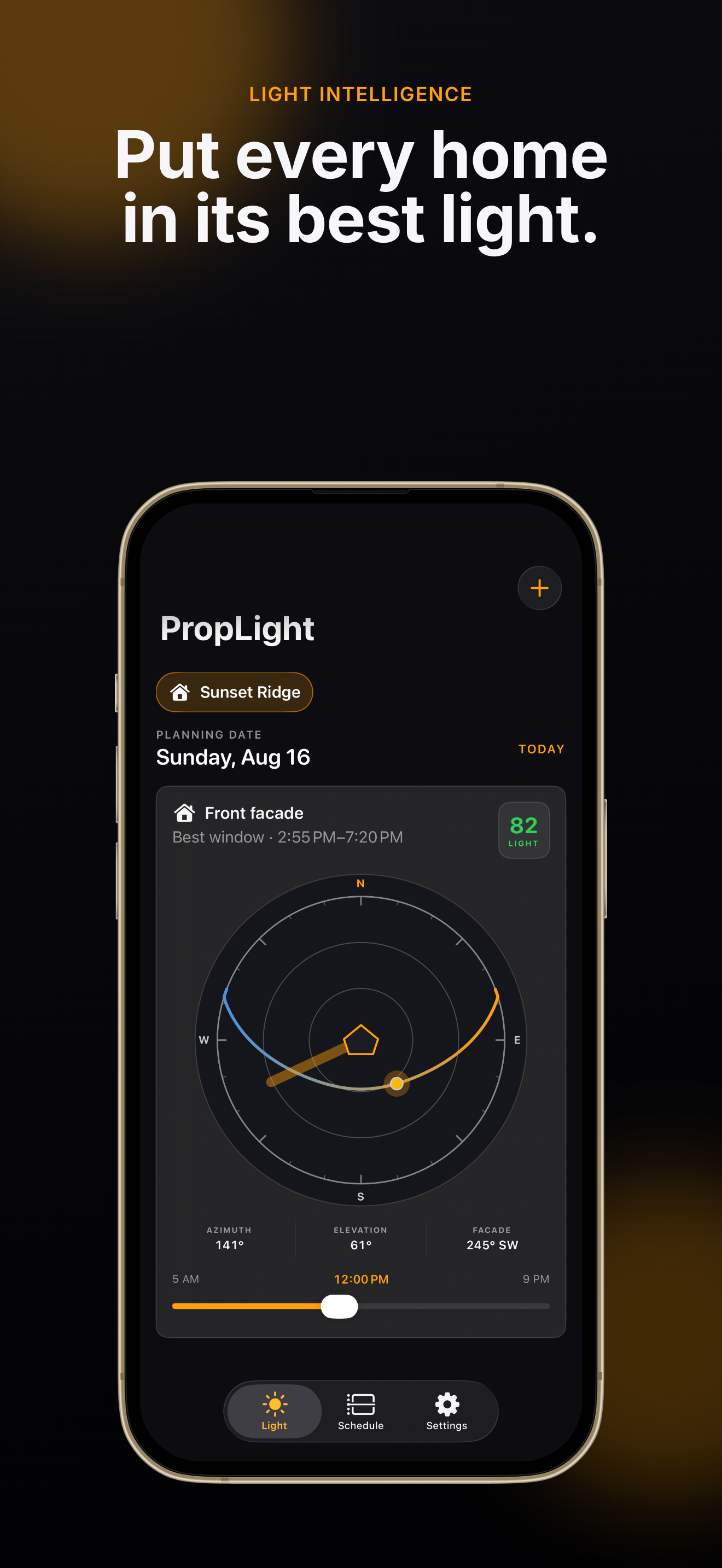
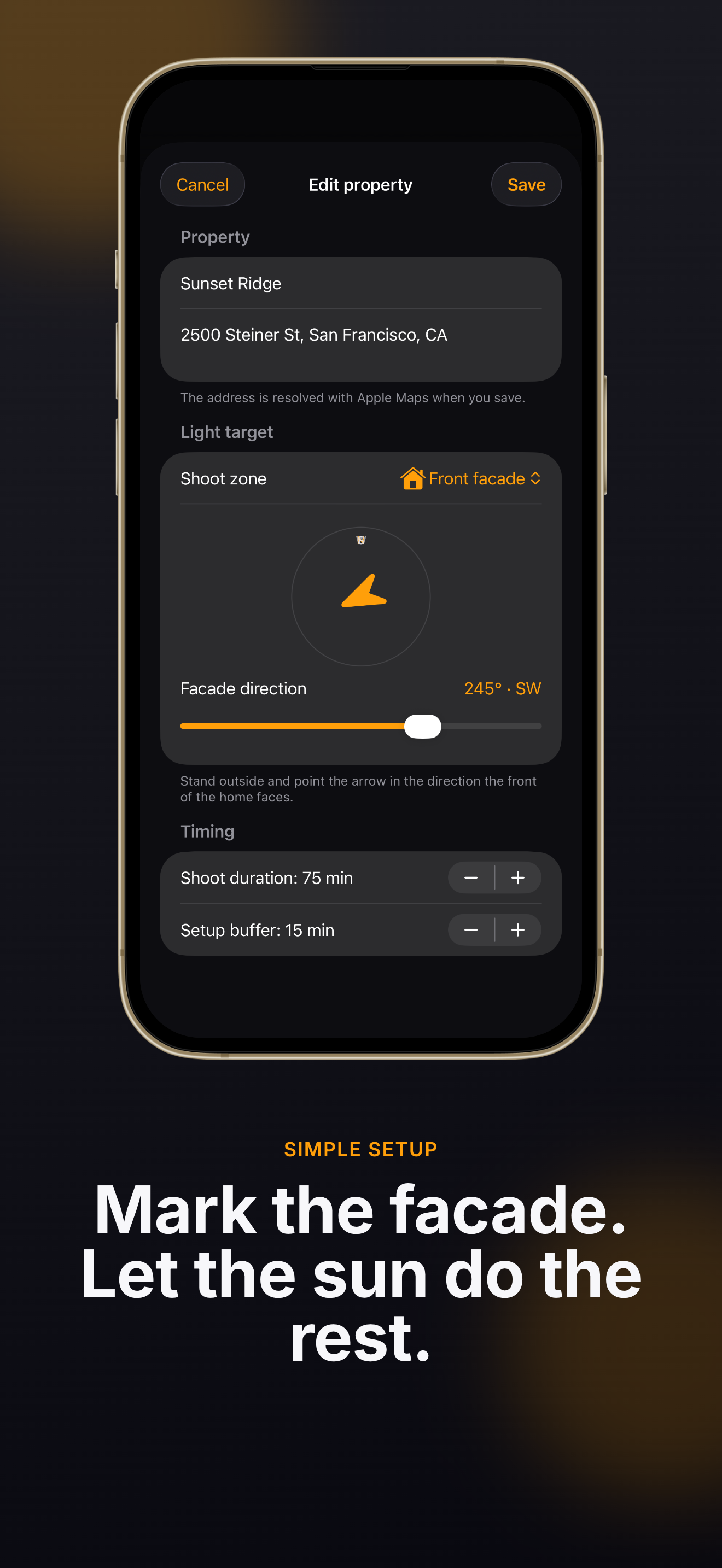
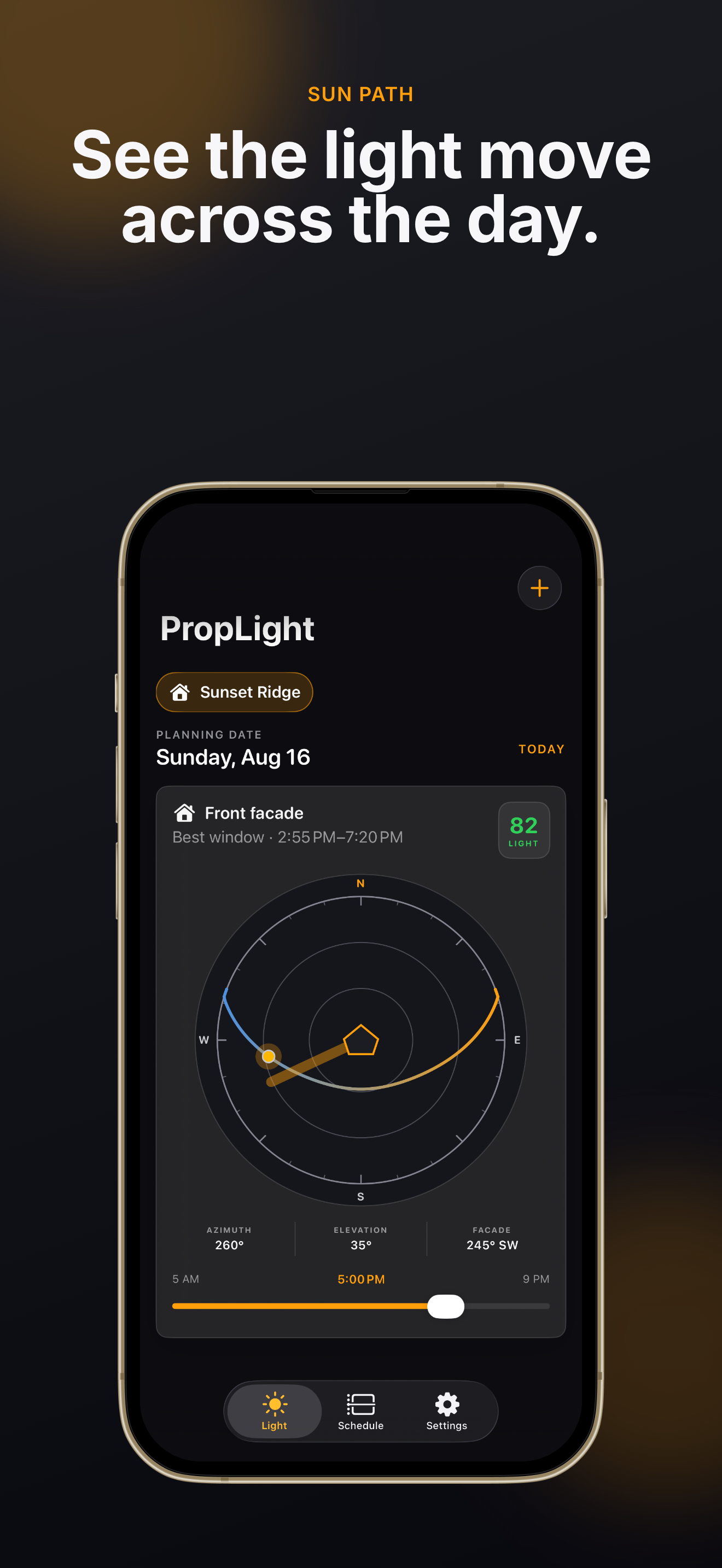
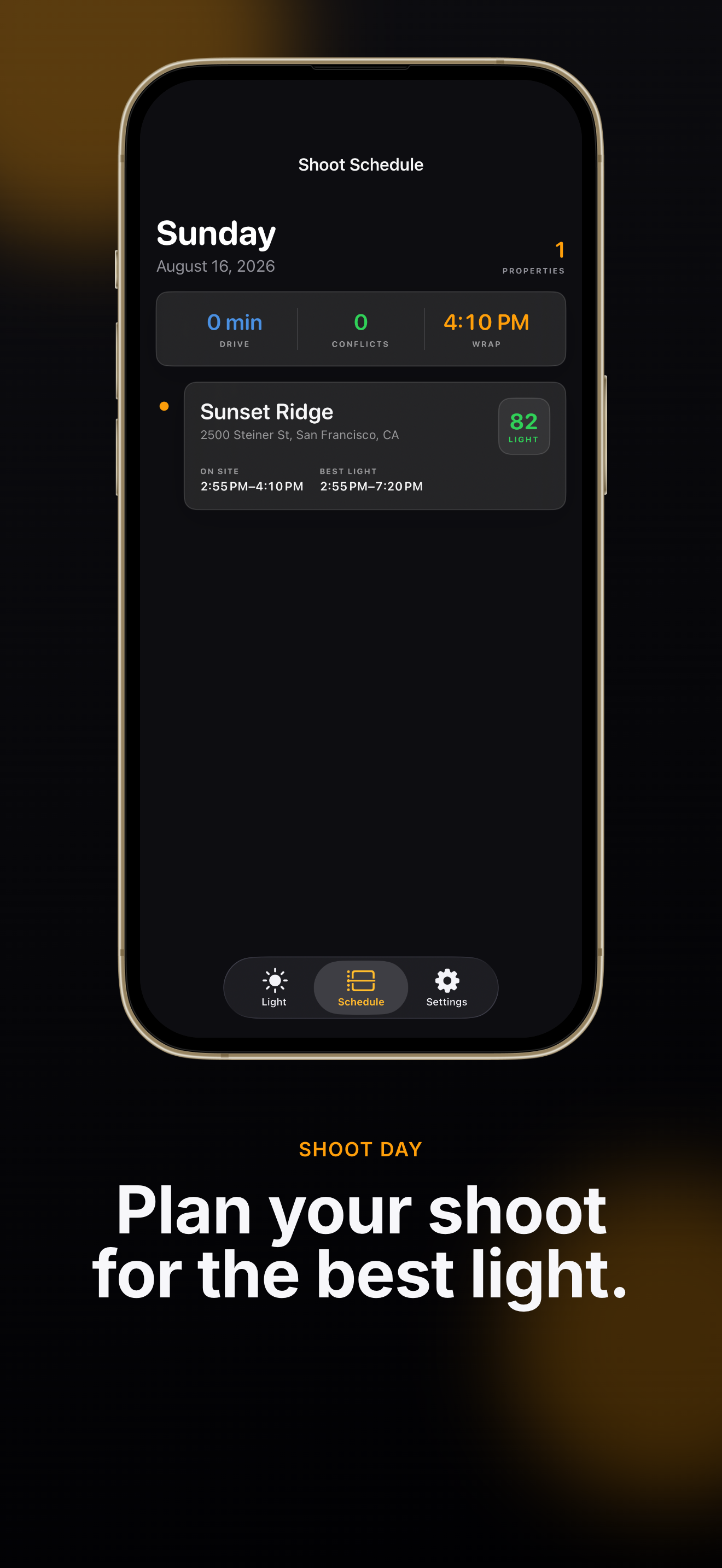
Every section of PropLight: RE Photo Planner answers the same shoot-day question: what should I photograph next, and will I arrive while the light still works?
Mark facade direction, backyard, pool, or interior windows. PropLight RE Photo Planner calculates sun azimuth, elevation, and the best light window for each surface—so you book the right hour, not just the next open slot.
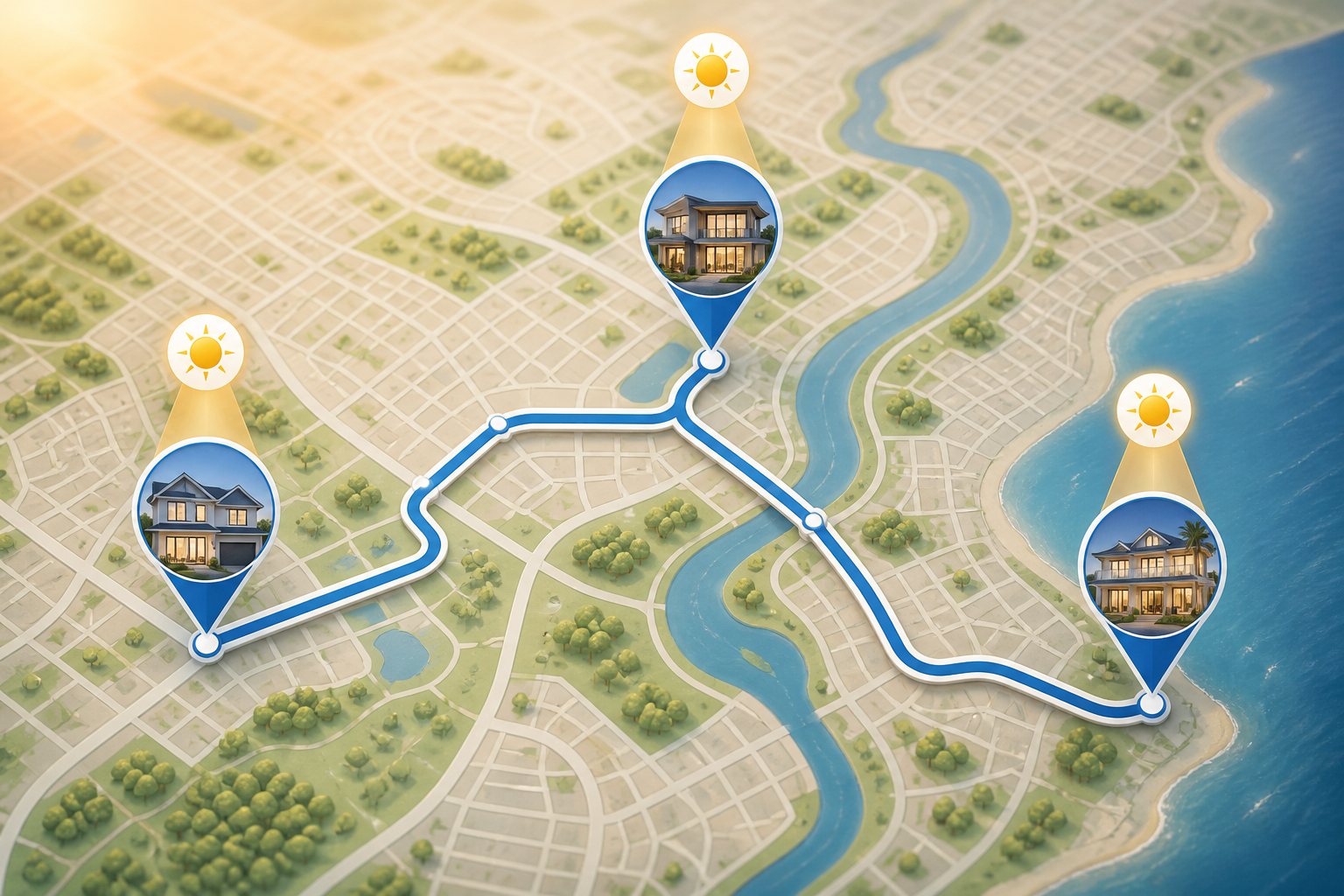
Choose each day's stops, pin fixed appointments, set work hours and route endpoints, then let PropLight: RE Photo Planner optimize real MapKit drive times around your light windows and timing conflicts.
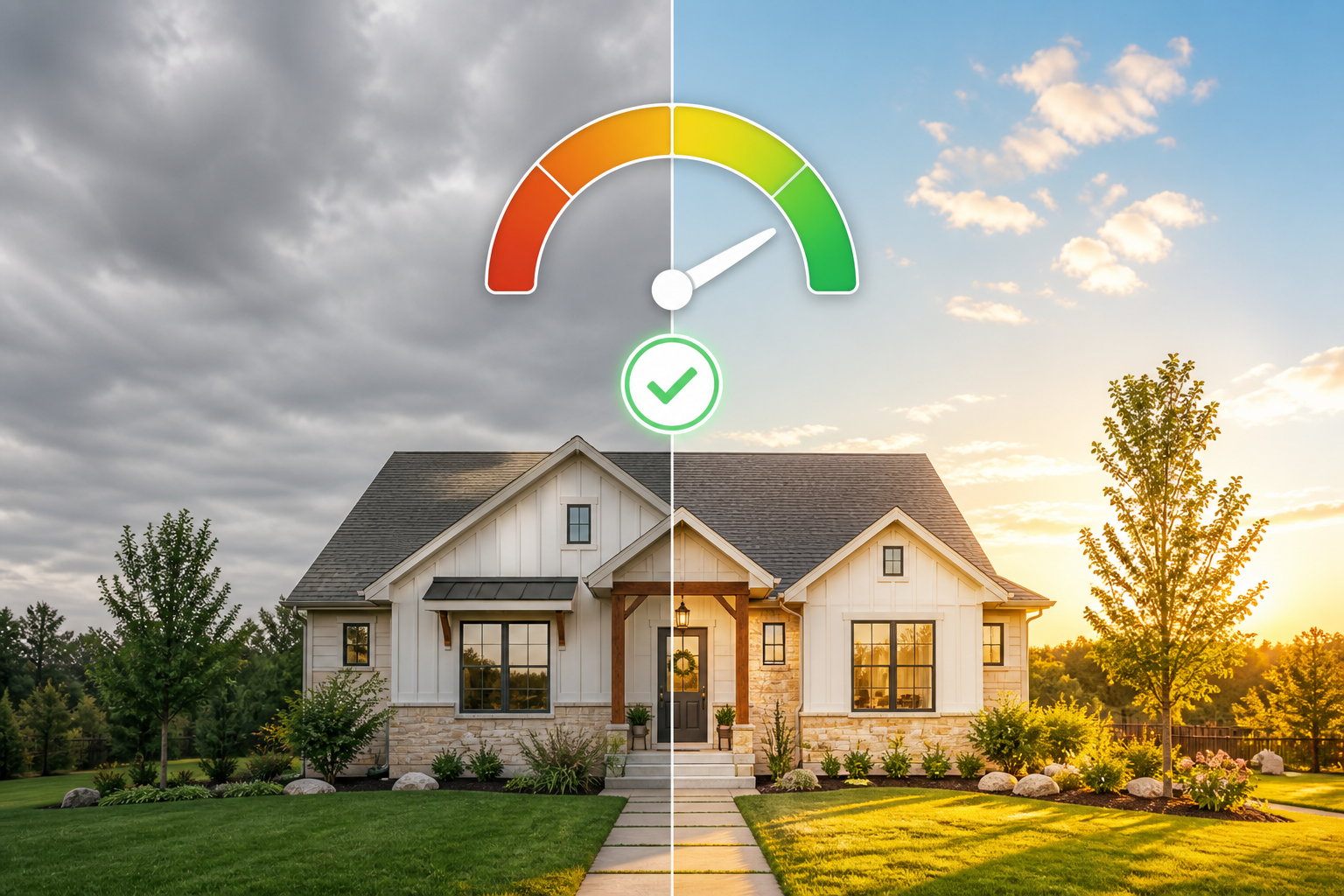
PropLight RE Photo Planner blends a 10-day Apple Weather shoot-quality score with a clearly labeled 14-day solar outlook—so you pick the strongest day before you block calendar time.
Everything in PropLight: RE Photo Planner is built for working photographers—not hobby dashboards.
Mark exact orientation so PropLight RE Photo Planner knows when direct sun, soft side light, or shade covers each elevation.
Apple Weather scoring for cloud cover, visibility, and rain chance—paired with a solar outlook only PropLight: RE Photo Planner labels clearly.
Pin immovable bookings and set your working day so PropLight RE Photo Planner routes around real conflicts—not fantasy gaps.
Generate room-by-room checklists that stay useful on location—part of every PropLight RE Photo Planner shoot plan.
Export a finished day plan with times, addresses, and notes—without exposing lockbox codes PropLight: RE Photo Planner keeps in Keychain.
Get a local notification before the facade window opens—so PropLight: RE Photo Planner nudges you, not a generic calendar reminder.
From address list to call sheet—PropLight: RE Photo Planner keeps the workflow calm even when appointments move.
Paste an address block or import a CSV. Keep agent details and private access notes on-device—PropLight RE Photo Planner never requires an account.
Set each facade orientation and choose priorities: front exterior, backyard, pool, or interior windows. PropLight: RE Photo Planner compares every window side by side.
Free tier includes one property with today's best facade window preview.
Review conflicts, add the plan to Calendar, set light-window alerts, open the route in Apple Maps or Google Maps, and generate a PDF call sheet when the day is locked.
Pro unlocks unlimited properties, future dates, batch import, route optimization, and encrypted backups.
See pricing in FAQQuick answers about PropLight: RE Photo Planner for agents, photographers, and small media teams.
PropLight RE Photo Planner is for real estate photographers, media companies, and solo shooters who juggle multiple listings in one day and need sunlight—not guesswork—to drive the schedule.
You can save one property, mark its facade direction, and preview today's sun azimuth, elevation, and best facade light window—enough to see how PropLight: RE Photo Planner thinks before upgrading.
Pro adds unlimited properties, future dates, CSV import, facade/backyard/pool/interior comparisons, 10-day weather plus 14-day light outlook, route optimization, Calendar and Maps export, PDF call sheets, light alerts, and password-encrypted backups.
No. Property briefs stay on your device. Lockbox codes live in the iOS Keychain and are excluded from Calendar and PDF exports by design.
PropLight: RE Photo Planner Pro is available as an auto-renewing annual subscription or a one-time lifetime purchase through the App Store. Exact prices are shown in-app before you buy and may vary by country.
No. The current release does not use advertising trackers or third-party usage analytics. PropLight RE Photo Planner may use Apple's aggregated App Analytics if you opt in at the device level.
Better light. Fewer miles. One app that plans the whole shoot day.
Get PropLight RE Photo Planner on the App Store and turn your next listing route into a conflict-free schedule.
Requires iOS 17 or later. Subscriptions managed through your Apple ID.